01 / Classic
ZX Spectrum
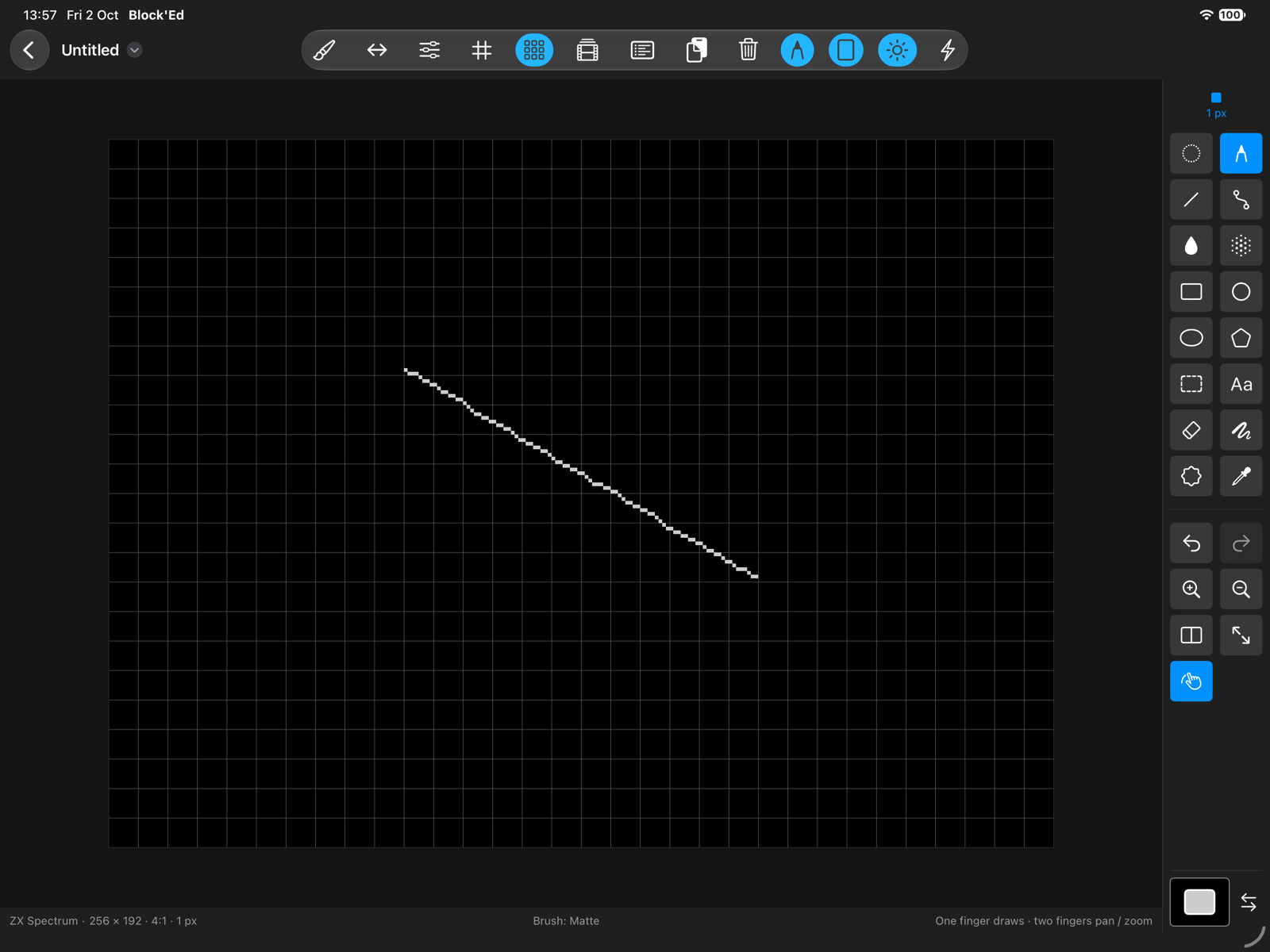
Work with INK, PAPER and shared BRIGHT in the Spectrum’s 8 × 8 attribute cells, with ULA+ available too.
256 × 192 8 × 8 attributes
Pixel painting on iPad & Mac
Draw artwork for the ZX Spectrum, Timex and Spectrum Next on your iPad or Mac. Choose your machine, pick your colours and start painting.

Made for the machines
Each machine has its own colours and drawing rules. Block'Ed works with those rules as you paint.
01 / Classic
Work with INK, PAPER and shared BRIGHT in the Spectrum’s 8 × 8 attribute cells, with ULA+ available too.
256 × 192 8 × 8 attributes
02 / Extended
Draw in ULA, Hi-Colour with finer 8 × 1 attribute cells, or Hi-Res with half-width pixels.
Hi-Colour Hi-Res
03 / Modern retro
Explore Layer 2, LoRes, hardware sprites and tiles, with indexed palettes drawn from the Next’s 512 colours.
16 / 256 colours Sprites & tiles